o7 Debrief
Commander Mission Debrief
A local-first Windows app that turns your Elite Dangerous journal into a single self-contained mission debrief. Every figure traces back to a real journal field. Nothing is estimated, inferred or padded.
Windows 10 and 11 · runs quietly from the system tray
What it does
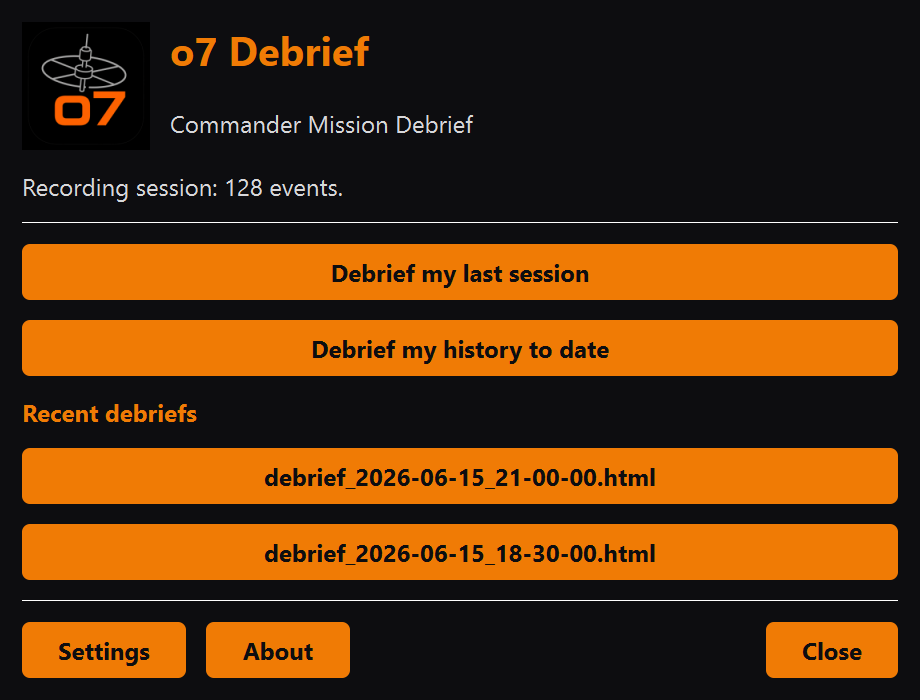
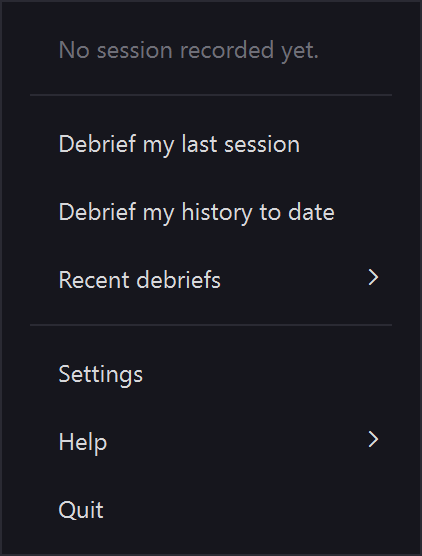
Live tray watcher
Follows the active journal from the system tray and generates a debrief automatically when you shut the game down.
Debrief any time
Cold one-shot mode reports your last session or your whole history to date, even if the app was not running while you played.
Real numbers only
Every credit, jump and scan maps to a real entry in your journal, so the figures are verifiable and never guessed, inferred or padded.
Self-contained report
A debrief is one self-contained file you can open in any browser or keep, plus a text version ready to paste onto Discord or Reddit.
Honest rank reporting
Tier-ups show at once and fractional rank percentages settle at the next launch, because the journal only snapshots progress at startup.
Your ship, tracked
The header names your current ship and its type. Every swap or purchase is also logged as a session event, from the ship you left to the one you boarded.
Local-first
No cloud, no account, no telemetry. Your journal never leaves your machine and the app needs no administrator rights to install.
Two ways in
Example output
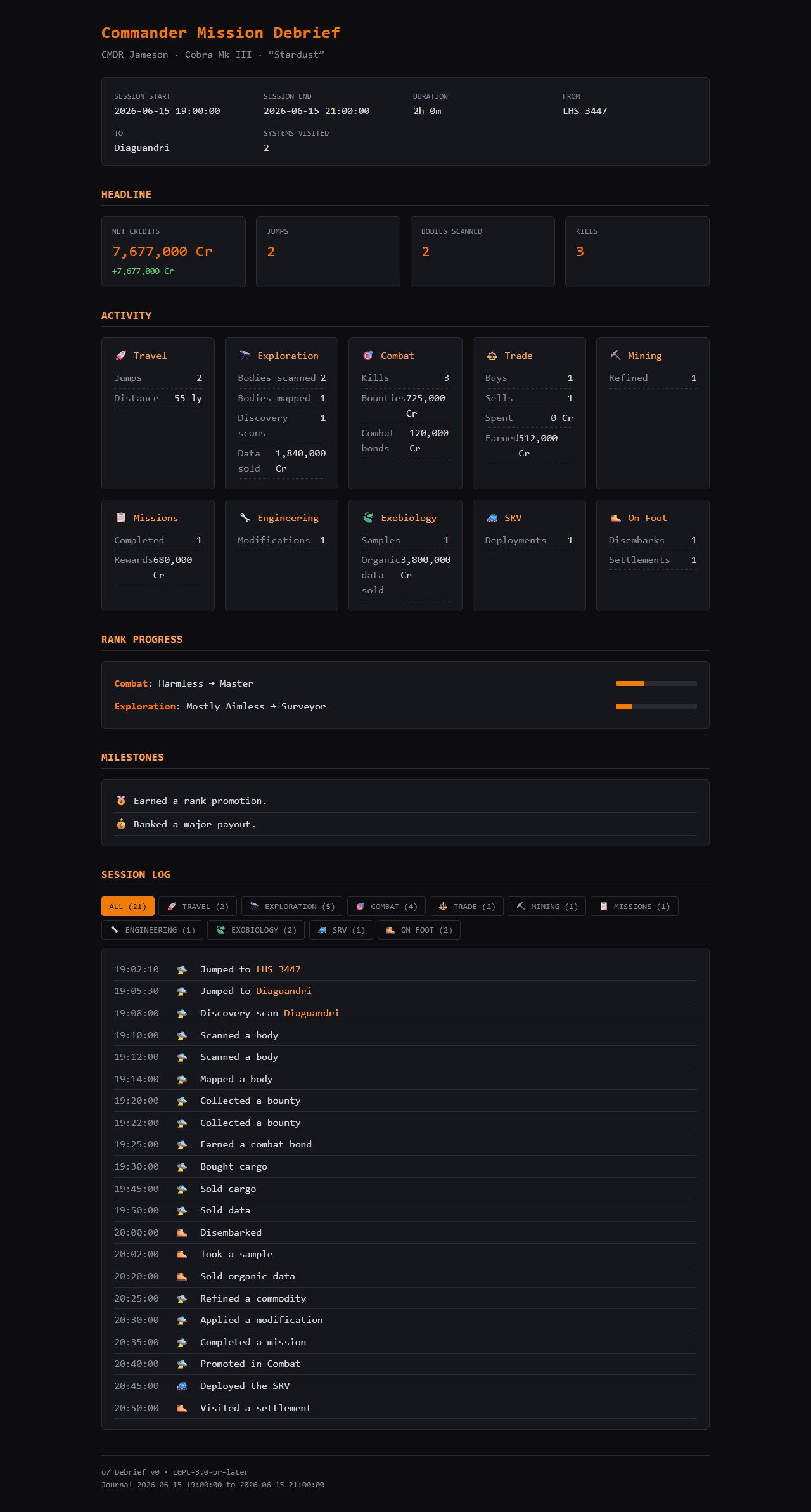
A debrief rendered from sample data. Open the full example report →
Common questions
What is o7 Debrief?
o7 Debrief is a free, local-first Windows app that turns your Elite Dangerous Player Journal into a self-contained Commander Mission Debrief you can read in any browser or share as text.
Is o7 Debrief free and open source?
Yes. o7 Debrief is free and released under the GNU Lesser General Public Licence v3.0, with the full source on GitHub.
Does o7 Debrief upload my journal or data anywhere?
No. It is local-first with no cloud, no account and no telemetry. Your Player Journal never leaves your machine and the app needs no administrator rights to install.
What does an Elite Dangerous debrief track?
Credits, jumps and scans across exploration, mining, trading, bounty hunting and exobiology, plus Commander rank progress, with every figure traced to a real journal entry.
Do I need to keep o7 Debrief running while I play?
No. The tray watcher can generate a debrief automatically when you close the game; one-shot mode can also report your last session or your whole history to date after the fact.
Does o7 Debrief record ship changes?
Yes. Swapping ship or buying a new one is logged as a session event naming the ship you moved from and the one you boarded; the header also names your current ship and its type.
Which Windows versions does o7 Debrief support?
Windows 10 and Windows 11. It runs quietly from the system tray and reads the Player Journal that Elite Dangerous writes on your PC.